


Top Mistakes to Avoid When Setting Up an NVR System
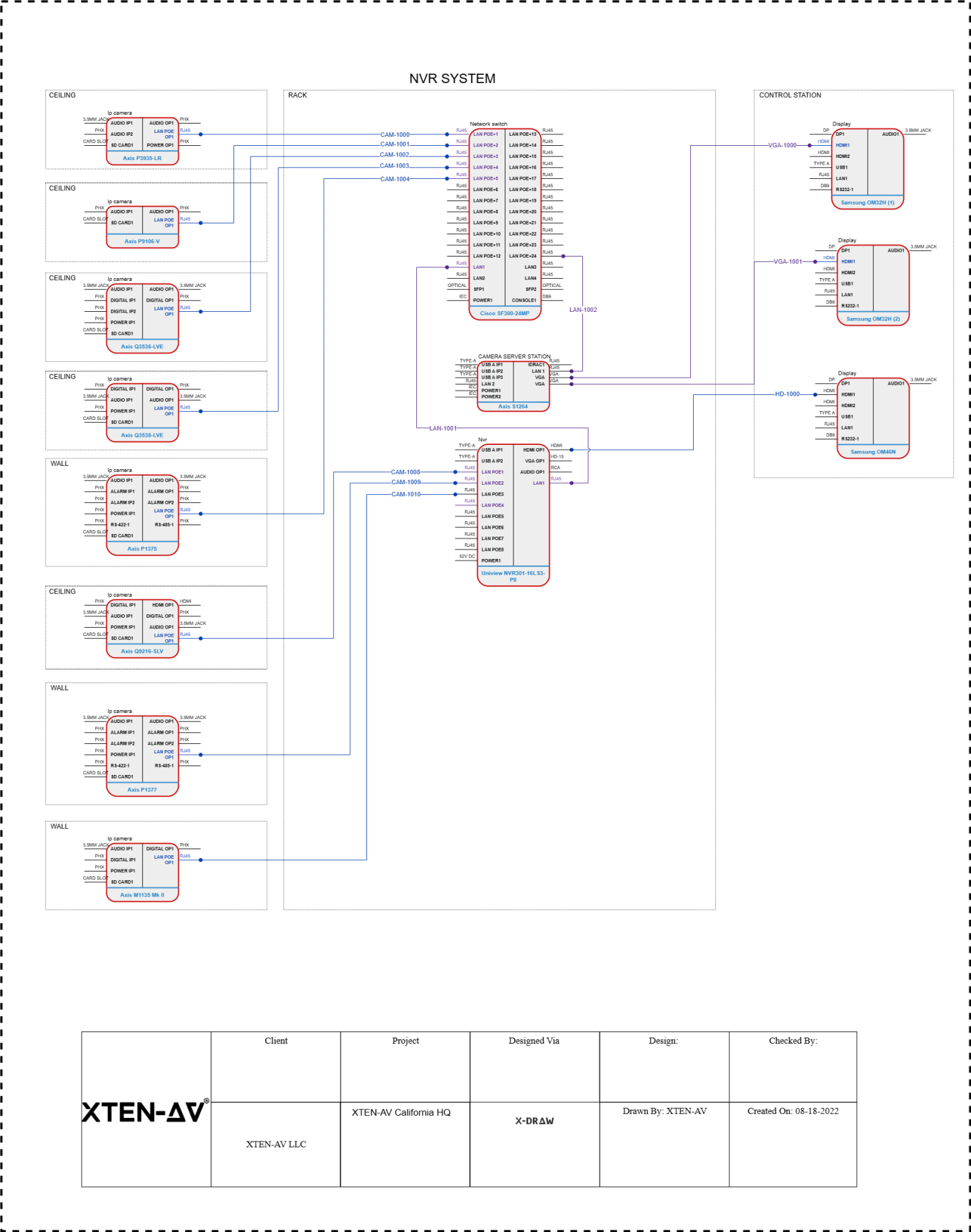
Setting up an NVR system may seem simple, but many users end up making common mistakes that reduce the overall performance and reliability of their surveillance setup. Whether you are installing cameras for home security or managing a business surveillance network, avoiding these mistakes is important. A properly installed NVR system ensures clear footage, strong security, and smooth remote access. In this blog, you will learn the top mistakes people make when setting up an NVR system and how you can avoid them for the best results.
Choosing the Wrong Cameras for the NVR
One of the biggest mistakes is selecting cameras that are not fully compatible with your NVR. Not all cameras work with every NVR system. Some use different protocols or resolutions that your NVR may not support. Choosing the wrong type of camera can lead to poor image quality or connection issues. Always check the compatibility list and match the resolution and technology type before buying cameras.
Ignoring Network Requirements
An NVR system relies heavily on a strong network connection. Many users overlook the importance of using a stable network and high quality cables. Weak networks lead to delayed streaming, poor video quality, and frequent disconnections. To avoid this, use good quality Ethernet cables and ensure your internet speed supports the number of cameras you plan to install. A dedicated network for your surveillance system can significantly improve performance.
Incorrect Camera Placement
Placing cameras without proper planning is another common mistake. Cameras placed too high may miss important details, while cameras placed too low can be easily tampered with. Avoid placing cameras behind glass because reflections can distort the image. Always choose strategic locations such as entry points, hallways, driveways, or high traffic areas. Proper camera placement ensures wide coverage and clear footage.
Not Checking Storage Requirements
Many users underestimate the amount of storage their NVR system needs. High resolution cameras and long recording durations require more storage space. If you choose a small hard drive, the system may overwrite important footage too quickly. Always calculate storage based on the number of cameras, resolution, and how long you want to keep recordings. It is better to choose a larger hard drive to avoid storage related problems.
Skipping Firmware and Software Updates
Ignoring updates is a major mistake that affects system performance and security. Outdated firmware can cause bugs, crashes, and security risks. Manufacturers regularly release updates to fix issues and improve features. Make it a routine to check for NVR and camera firmware updates. Keeping your system updated ensures it runs smoothly and stays protected from cyber threats.
Poor Cable Management
Disorganized cables can lead to connection problems and make your system harder to maintain. Many users rush the installation and leave cables exposed or tangled. Poor cable management increases the risk of wear and tear. Always label your cables, use cable ties, and route them neatly along walls or conduits. Proper cable management makes troubleshooting faster and keeps your setup looking professional.
Using the Wrong Power Supply
Cameras need stable and adequate power to function correctly. Using the wrong power adapters or weak power sources can lead to flickering video or frequent shutdowns. If you are using PoE cameras, make sure your NVR or PoE switch can handle the required power load. Always check the camera power ratings before connecting the system.
Not Setting Strong Passwords
Many users leave their NVR system with default passwords. This is a major security risk. Hackers can easily access systems that use common or weak passwords. Create strong passwords with a mix of numbers and letters. Do not share your login details with unnecessary users. Enabling two factor authentication provides an extra layer of security.
Incorrect Time and Date Settings
It may seem small, but wrong time and date settings can cause big problems later. If an incident occurs, you need accurate timestamps on your recordings. Many users skip this step during setup. Always make sure the NVR is set to the correct timezone and that the clock is synchronized. This ensures your recordings have accurate information when you need to review them.
Not Testing the System After Installation
A lot of users install the system and assume everything is working correctly. This is a mistake. Always test each camera feed, motion detection, and recording settings after installation. Check the playback and ensure the video quality is clear. Testing helps you catch problems early and allows you to fix any camera or network issues.
Overloading the NVR with Too Many Cameras
Every NVR has a limit to how many cameras it can support. Adding more cameras than the system can handle leads to slow performance, dropped frames, or recording failures. Always check the maximum channel capacity of your NVR. If you need more cameras, upgrade to a higher capacity model.
Ignoring Cybersecurity Measures
Modern NVR systems connect to the internet, which means they are vulnerable to cyber threats if not secured properly. Many users forget to enable encryption or secure their network. Use a firewall, secure your WiFi, and limit remote access to trusted devices. Taking basic cybersecurity steps can protect your system from unauthorized access.
Failing to Back Up Important Footage
Relying only on local storage is risky. If your NVR hard drive fails, you may lose important recordings. Many users do not set up backup options. Use cloud storage or an external backup device to save critical footage. This ensures that important evidence stays safe even if your system encounters a failure.
Conclusion
Avoiding these common mistakes can help you build a strong, reliable, and efficient NVR security system. From choosing the right equipment to maintaining proper network settings, every step plays an important role in ensuring your cameras work effectively. A well installed NVR system gives you clear footage, smooth access, and long lasting security. By planning carefully and avoiding these errors, you can enjoy a professional level surveillance system that keeps your home or business protected.
Read more: https://writeupcafe.com/how-wireless-nvr-systems-simplify-home-security

 English
 Arabic
 French
 Spanish
 Portuguese
 Turkish
 Dutch
Dutch
 Italiano
 Russian
 Romaian
 Portuguese (Brazil)
 Greek
Greek
