


Upgrade Your Ride: The Ultimate Guide to Mercedes Wireless CarPlay
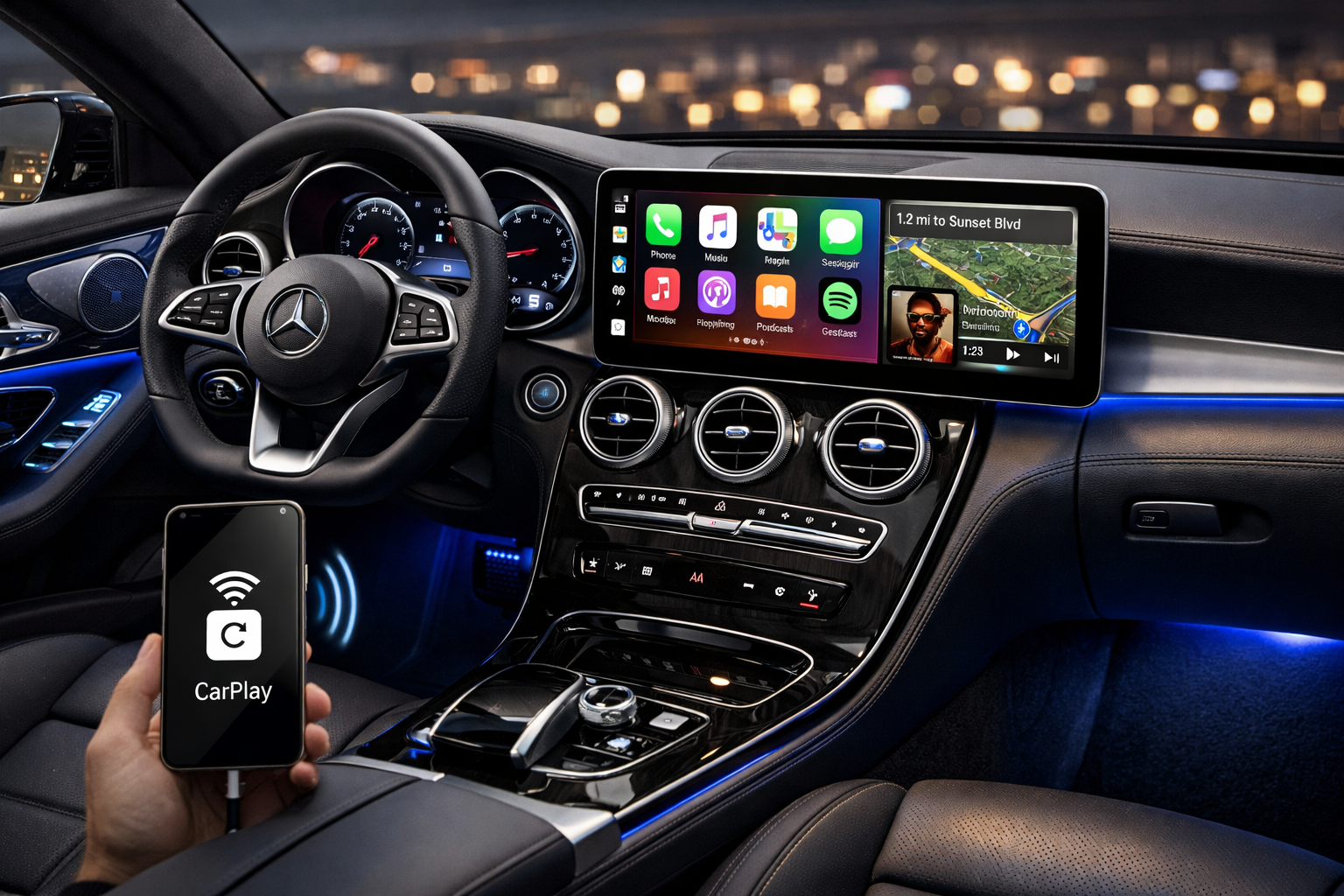
Imagine cruising down the open road in your Mercedes, sunlight streaming through the windows, and your favourite playlist kicking in without fumbling for cables or glancing at your phone. That's the magic of Mercedes wireless CarPlay, a seamless blend of luxury driving and smartphone smarts that keeps you connected, safe, and entertained. If you've ever tangled in charger cords or missed a turn because your phone slipped off the dash, this upgrade changes everything, turning your vehicle into a high-tech companion.
Why Wireless CarPlay Transforms Your Mercedes Drive
Wireless CarPlay ditches the cables, letting your iPhone connect automatically via Bluetooth and Wi-Fi for instant access to apps right on your Mercedes infotainment screen. This means navigation from Apple Maps, hands-free calls, and streaming music or podcasts without distractions, all while maintaining that sleek Mercedes interior vibe.
Safety takes centre stage here. Traditional wired setups pull your eyes off the road, but wireless integration uses voice commands via Siri, displays messages on the big screen, and minimises fiddling, reducing accident risks in Australia's heavy traffic. Plus, it future-proofs your ride; as apps evolve, your system stays current without outdated hardware holding you back.
Compatible Mercedes Models Down Under
Not every Mercedes rolls out with wireless CarPlay from the factory, but many popular models in Australia do or can be upgraded easily. Newer MBUX-equipped vehicles shine brightest, supporting this feature out of the box.
- C-Class (2022+ models): Perfect for daily commutes, with crisp screen integration.
- E-Class and S-Class: Luxury sedans that pair CarPlay flawlessly for long hauls.
- GLC, GLE, and EQE/EQS: SUVs and electrics where navigation and media access feel premium.
Older models like the ML-Class W164 or pre-2021 variants might need aftermarket kits, but checking your owner's manual or a local specialist confirms compatibility fast.
Step-by-Step Setup for Effortless Connection
Getting started is straightforward, even if tech isn't your forte. Ensure your iPhone runs iOS 13 or later, and your Mercedes has Bluetooth/Wi-Fi enabled, most do by default.
- Park safely, then on the infotainment screen, tap "Connect Device" or the phone icon to enter Bluetooth pairing mode.
- On your iPhone, go to Settings > Bluetooth, select your Mercedes, and confirm the passcode match.
- Once paired, CarPlay prompts automatically; tap "Use CarPlay" and allow Wi-Fi connection for wireless magic.
Future starts? It auto-connects when you hop in, no repeats needed. Pro tip: Dismiss any "Don't forget your phone" alerts in settings to avoid nagging.
Unlocking Key Features for Everyday Wins
Once linked, Mercedes wireless CarPlay opens a world of convenience tailored to Aussie drivers facing everything from Sydney gridlock to outback adventures.
- Navigation Mastery: Apple Maps beams real-time traffic, ETA, and lane guidance to your dash, no phone mount required.
- Music and Media: Spotify, Apple Music, or podcasts flow wirelessly; skip tracks with steering wheel controls or Siri.
- Messaging and Calls: Texts read aloud, quick replies via voice, ideal for hands-free compliance with road rules.
Multiple iPhones? Pair a second for passengers, switching seamlessly without drama. Battery drain stays low thanks to efficient wireless tech, unlike constant charging cables.
Troubleshooting Common Hiccups
Even smooth setups hit snags sometimes. If CarPlay won't connect, restarting both devices, forgetting the Bluetooth pairing, and retrying often fixes glitches.
Signal drops in remote areas? Ensure strong Wi-Fi handoff post-Bluetooth. For non-native models, Mercedes wireless CarPlay aftermarket modules bridge the gap reliably. Update your Mercedes software via dealer visits for optimal performance, and avoid iOS betas that might clash.
The Road to a Smarter, Safer Mercedes
Upgrading to wireless CarPlay isn't just tech. It's about reclaiming focus on the drive, whether zipping through Melbourne or exploring the Great Ocean Road. It elevates your Mercedes from transport to a personalised hub, blending German engineering with Apple's ecosystem for years of reliable use.
Ready to cut the cords? For top-notch Mercedes wireless CarPlay installs across Australia, trust the experts at Nevera Auto they'll have you upgraded and rolling in no time.
Frequently Asked Questions About Mercedes Wireless CarPlay
Is wireless CarPlay compatible with all Mercedes models in Australia?
Most Mercedes models from 2016 onward support Apple CarPlay, but wireless functionality is standard on newer MBUX systems like 2022+ C-Class, E-Class, and SUVs such as GLC or GLE. Older models may require aftermarket adapters that plug into existing ports without replacing screens, ensuring factory controls like steering wheels remain intact.
How do I set up wireless CarPlay in my Mercedes?
Enable Bluetooth and Wi-Fi on both your iPhone (iOS 13+) and car screen, then pair via the infotainment menu, select "Connect Device" and confirm the code. It auto-activates on future drives; for non-native setups, adapters handle the wireless bridge seamlessly.
What if wireless CarPlay won't connect or drop?
Restart devices, forget Bluetooth pairings, and re-pair; check Auto-Join on Wi-Fi and ensure no iOS betas interfere. In remote Aussie areas, strong initial Bluetooth handoff prevents drops; professional installs fix persistent issues.
Does installing wireless CarPlay affect my Mercedes warranty?
Factory-compatible upgrades preserve warranties, while aftermarket modules integrate without altering original hardware or NTG systems. Always consult a specialist for plug-and-play options that maintain full OEM functionality.

 Arabic
 French
 Spanish
 Portuguese
 Deutsch
 Turkish
 Dutch
Dutch
 Italiano
 Russian
 Romaian
 Portuguese (Brazil)
 Greek
Greek
