


Sage 100 to QuickBooks Conversion Services for Seamless Migration | Numerawisesolutions
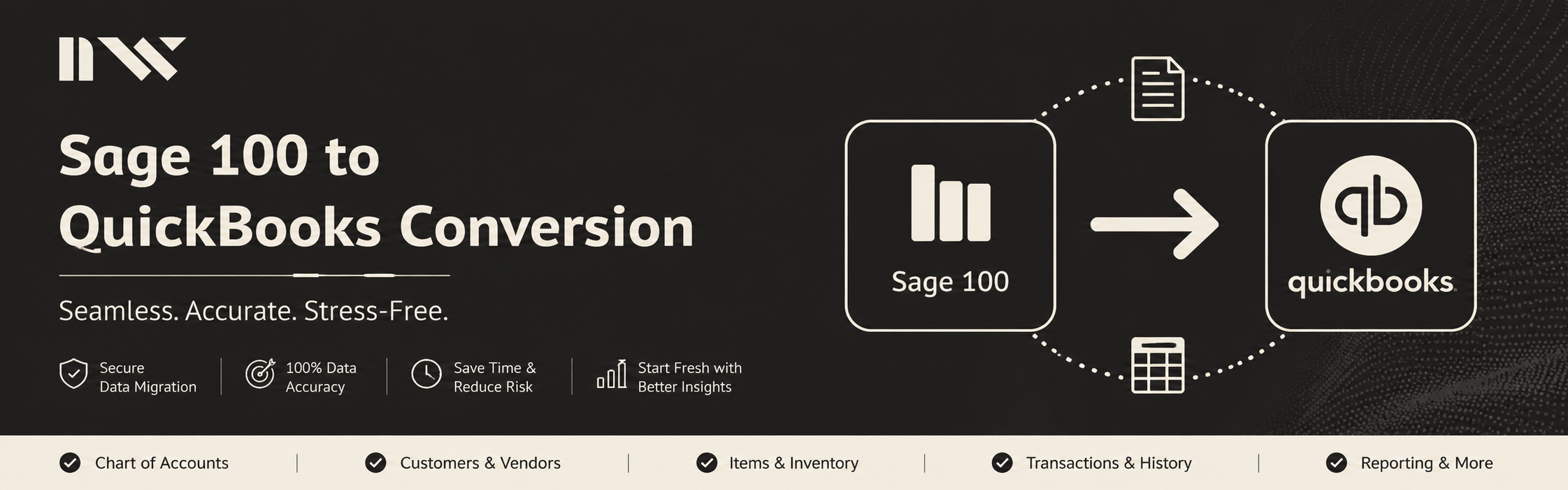
Sage 100 has served plenty of businesses well over the years. But there comes a point for many companies where it starts to feel like more system than they actually need — clunky reporting, higher maintenance costs, and a learning curve that new hires struggle with. That's usually the moment when Sage 100 to QuickBooks conversion starts showing up in budget meetings.
Here's the thing most people don't realize until they're already halfway into the process: moving accounting data between two platforms is not a copy-paste job. Sage 100 and QuickBooks organize financial data in fundamentally different ways. Get the conversion wrong, and you're not just dealing with a formatting headache — you're dealing with numbers that don't add up.
Why Companies Actually Make This Switch
Talk to enough business owners who've made this move, and a few reasons come up again and again.
QuickBooks is simply easier to live with day to day. Staff pick it up faster. It plays nicer with the payment processors, e-commerce platforms, and CRM tools most small and mid-sized businesses already rely on. And for companies that don't need Sage 100's heavier manufacturing or distribution features, paying for that extra complexity stops making sense.
There's also a cost angle. Sage 100 licensing and the IT overhead that comes with it can add up, especially once a business has simplified its operations and no longer needs the full weight of an ERP system.
None of this means Sage 100 is a bad product — it's just built for a different kind of company than the one many businesses grow into.
Where Conversions Usually Go Wrong
If migrations were simple, nobody would need conversion services. They're not simple, mainly because of how differently the two systems handle data underneath the hood.
A few trouble spots come up almost every time:
Chart of accounts. Sage 100's account structure rarely maps cleanly onto QuickBooks' format. Someone has to sit down and manually work through how each account should translate.
Historical records. Years of invoices, payments, and journal entries need to carry over — and they need to carry over with their audit trail intact, not as a flat dump of numbers.
Open balances. Outstanding receivables and payables have to match exactly. Even a small discrepancy here means your new books are wrong from the very first day.
Custom reports. A lot of Sage 100 users build custom reporting over the years that simply doesn't exist in QuickBooks by default. That reporting often has to be rebuilt from scratch.
Inventory and job costing. For companies using these modules, converting the data accurately takes more than a basic export-import. It requires understanding how each system tracks costs differently.
Businesses that try to handle this themselves, or hand it to someone without real experience in both platforms, often end up with duplicate entries, missing history, or balances that simply won't reconcile. Fixing that after the fact costs far more time and money than getting it right the first time.
What a Solid Conversion Actually Involves
A conversion done properly isn't one step — it's a sequence, and skipping any part of it is where things tend to fall apart.
It starts with assessing the existing Sage 100 data — understanding its structure, spotting inconsistencies, and figuring out what needs cleanup before anything moves anywhere.
From there comes mapping. Every account, customer, vendor, and transaction category gets matched to its QuickBooks equivalent, with a clear plan for anything that doesn't line up neatly.
Then comes reconciliation. Every major balance gets checked against the original Sage 100 numbers to confirm nothing got lost, duplicated, or quietly altered along the way.
And finally, support after go-live matters more than people expect. Issues often surface once a team starts actually using the new system for real reporting cycles, not during the migration itself.
Cut corners anywhere in that sequence, and the cracks usually show up at month-end close, when the numbers refuse to reconcile.
Why It's Worth Bringing in Specialists
There's a temptation to treat this as a technical IT task and hand it to whoever's comfortable moving files around. But accounting conversions sit right at the intersection of software and financial accuracy. A migration can be technically flawless and still be a financial disaster if the underlying logic wasn't handled correctly.
That's the gap a dedicated conversion service fills — someone who understands not just how Sage 100 and QuickBooks structure their data, but why certain balances and entries need to be treated a specific way to stay accurate.
At Numerawisesolutions, that's the whole approach: get the technical migration right, and make sure every number holds up once your team is actually using it. The goal isn't just moving data from one system to another — it's handing over a QuickBooks file you can trust the moment you log in.
The Bottom Line
Switching from Sage 100 to QuickBooks is a real change, but it doesn't have to be a rough one. With careful mapping, a proper test run, and thorough reconciliation, businesses can make the move without losing historical data or creating a mess to clean up later.
If this switch is on your radar, the difference between a smooth migration and a stressful one almost always comes down to how well the process is planned — which is exactly what a dedicated conversion service is there to handle.

